Clean it. Protect it. Grade it. Verify it.
One scan frees your disk, protects your private files, and hands your machine a letter grade you can raise — all on your device, nothing uploaded.
Free — clean 500 MB a month. No account, no card.
41.6 GB found in one real first scan — see the receipt ↓
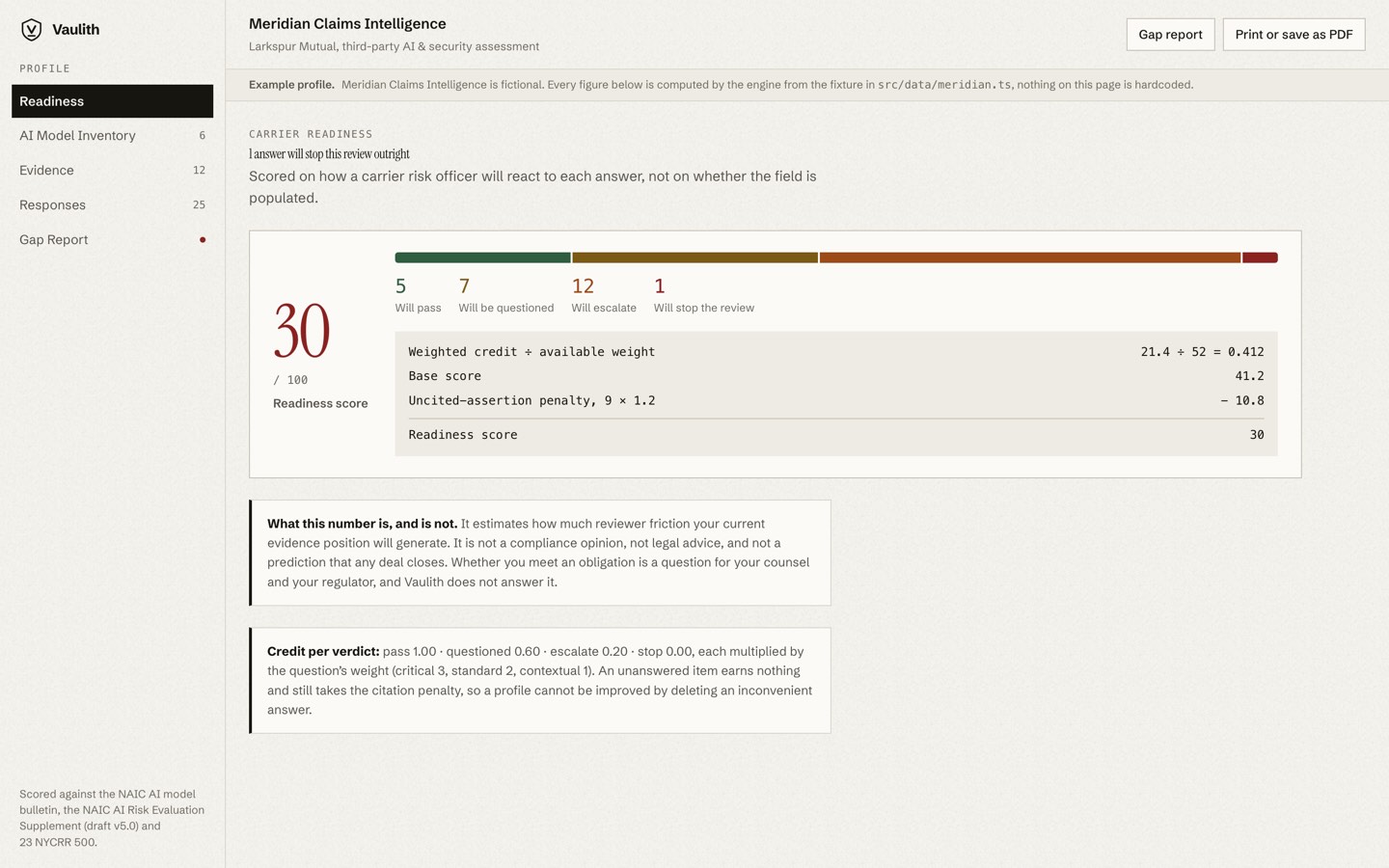
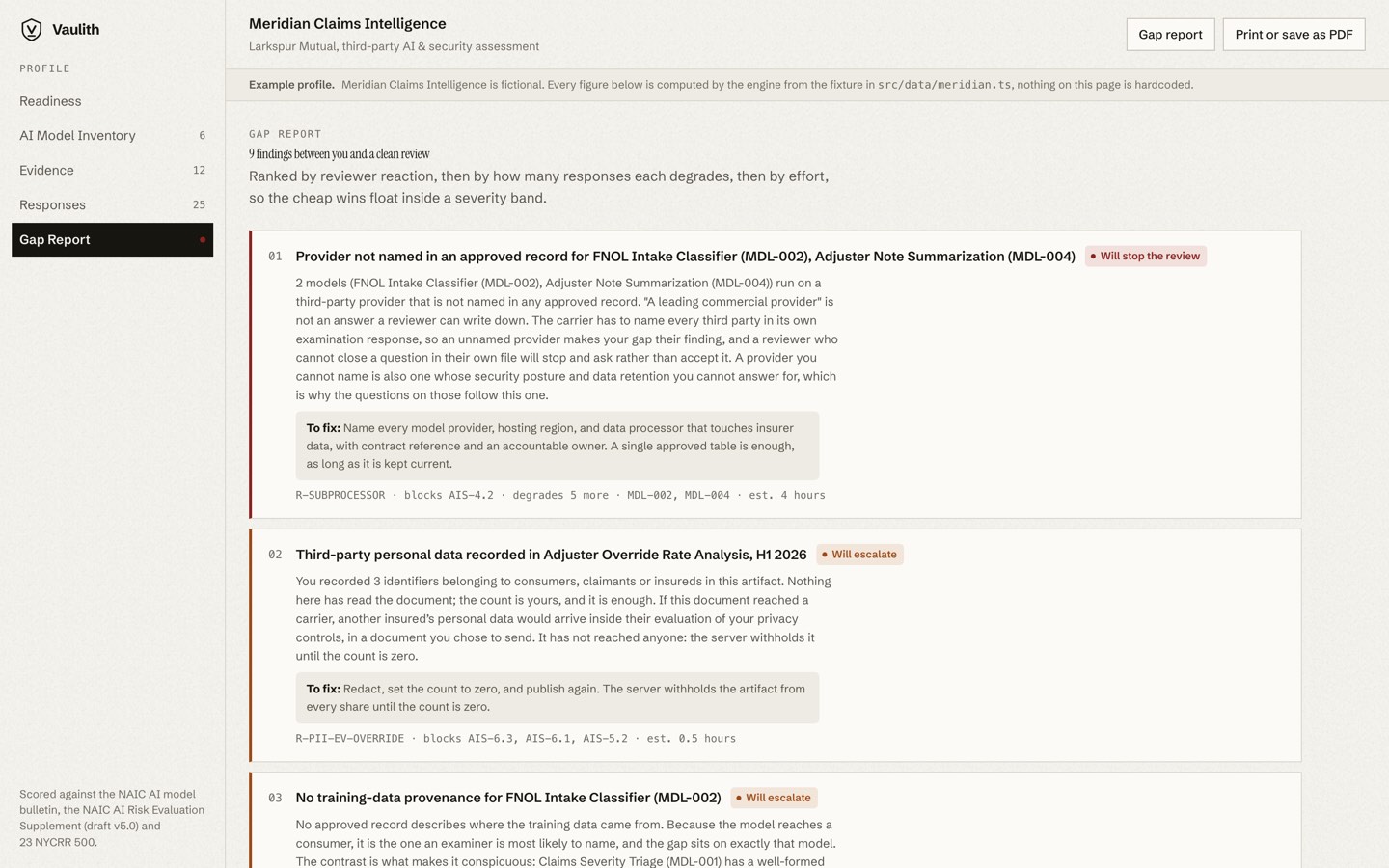
Real screenshot — Vaulith 1.0.81 on the founder’s own Mac, September 1, 2026.
- Notarized by Apple
- Windows installers signed by Vaulith LLC
- Public SHA-256 checksums on every release
- 0 network calls during a signed-out scan — verify it yourself
- v1.0.81 · released September 1, 2026
No download counter, no stars, no awards — Vaulith is new. Instead: a claims ledger, a 60-second check, an open invitation to disprove us.
Your Mac or PC gets a letter grade.
Computed on-device, never uploaded. No scare counters, no pay-to-fix-the-grade: an A+ is reachable free, by your own hand.
A grade you can’t audit is just a scare tactic — so we published the whole scoring formula, and every honesty guardrail is pinned as a unit test.
Get your grade — free → Read the scoring mathVerify it in 60 seconds.
Every cleaner says it’s private. Vaulith lets you check — with a tool Apple ships.
Signed out, a scan opens no network connections. See a connection that isn’t on our published expected-traffic list? That finding gets a public disclosure and named credit.
Run the full 60-second check →while true; do date; /usr/sbin/lsof -a -i -c Vaulith \
|| echo "Vaulith: no open network connections"; \
echo; sleep 2; done
Tue Aug 12 09:41:07 EDT 2026
Vaulith: no open network connections
Windows command and deeper checks: the full method page.
The gigabytes hiding in your
developer caches.
Xcode builds, npm and pip caches, stale logs — hiding where most cleaners never look.
Wondering about your own machine? Estimate how much space you could get back →
Deleting the wrong thing shouldn’t be easy.
Three things we can say — and prove
Architecture, not features — every claim is checkable.
See what you actually got back
Sign in and every scan is there — what it found and what you got back.
We couldn’t see your files if we wanted to
Signed in, our servers learn counts, sizes, timestamps, and a device identifier — never a file’s name. There’s no place to store one.
It holds your sensitive files out of the delete list
Your sensitive files — anything carrying your Social Security number, your tax returns and IDs, your legal, medical and financial documents — Vaulith reads the document’s own words to spot them — and recognizes more than two hundred sensitive name patterns, from bone-scan reports to loan paperwork to password files — and holds every one it finds out of the delete list, even one named scan0007.pdf.
No AI model needed — see the claim’s test.
A cleaner you can trust with your files
Everything lands in a restorable Quarantine or your Trash — verify every claim yourself.
Always recoverable
Removals go to a restorable Quarantine or your Trash, every one logged. Undo anytime.
Reviewed before removal
Every location is safety-verified and shown to you first.
100% on your device
All AI runs locally — your files never leave your device.
Packages stay sealed
Apps, photo libraries and ebooks are sealed items — a cleanup can’t reach inside.
One engine. Three jobs.
Underneath everything is one engine — file intelligence that runs where your files live. To clean safely it has to understand your files: a duplicate is only a duplicate if something read both copies. The same understanding spots sensitive documents — and holds every one it finds back from the delete list. And the grade is the engine showing its homework.
Clean
It clears what can go.
Photo Intelligence
Flags blurry, dark and duplicate photos and keeps your best shot. Photos of documents are marked Protected.
Reclaim System Space
The gigabytes most cleaners leave behind — every location safety-verified before it’s suggested.
Duplicate Detection
Byte-exact duplicates for every file type. One copy is always kept.
Protect
It holds back what must stay.
Truly Private
Everything runs where your files live — the scan, the analysis, the optional AI. Your files never leave your device.
The Shield
Anything Vaulith recognizes as a tax return, an ID, a medical record, a password file, or a legal or financial document — or as carrying your Social Security number — is held out of the delete list. One click moves it safely into Documents.
Deep Archive
Documents untouched by you for 3+ years aren’t junk — they’re just old. One confirmed step files them into a plain archive folder inside Documents, structure intact, nothing deleted. Undo moves them back.
Grade
It tells you how you’re doing.
The Report Card
Your machine gets a letter grade — and it goes up when you act. The math is public at vaulith.com/score.
It reads everything it scans. It uploads nothing. Don’t take our word for it — run the 60-second check, read the claims ledger, or take up the Wireshark Invitation.
Scan your drive
Point it at your folders, or sweep system and developer caches with Reclaim Space.
It analyzes — privately
Files are classified on your device, and sensitive documents are marked Protected as it goes.
Review & reclaim
Confirm what to remove and watch the space come back — recoverable and logged.
Built by a security professional who wouldn’t install the alternatives.
Notarized on macOS, signed on Windows
macOS releases are notarized by Apple; Windows installers are signed by Vaulith LLC — the security page.
We spent fifteen years securing Fortune 100 systems and watched disk cleaners quietly talk to the cloud. So we built the one we were willing to install. Don’t take our word for it — run it beside a network monitor, and watch.
Try Pro with a safety net
Not what you hoped for? Ask for a refund within 7 days — no forms, no runaround.
How much space could you get back?
Check what applies — the free scan shows your real number.
Ranges come from our guides plus a 2–8 GB everyday-cache baseline. Every disk is different — the scan is the truth.
Before you download
Will it delete something I need?
Nothing is deleted outright. Approved files go to Quarantine, then your OS Trash — recoverable the whole way. One exception: regenerable system caches go straight to the Trash after you confirm.
Windows showed “Windows protected your PC” — is that bad?
No — that’s SmartScreen noting a new publisher, not an unsigned program. Ours are signed by Vaulith LLC. Click More info → Run anyway — never for an unsigned installer. Steps: the download page.
How does it know not to delete my tax return?
It reads the document’s own words and holds back anything that looks like a tax return, medical record or ID — even one named scan0007.pdf. No AI model needed.
What leaves my device?
Your files: nothing, ever. Signed in, your account, license and scan totals sync — counts and sizes, never names or contents. How privacy works, or watch the traffic yourself.
Try it without telling us anything.
No account, no email, no card. We can’t leak what we never asked for.
7-day money-back guarantee on first-time subscriptions and the Founding license.
Every build is published openly: version history ↗ · SHA-256 checksums ↗ · how to verify.